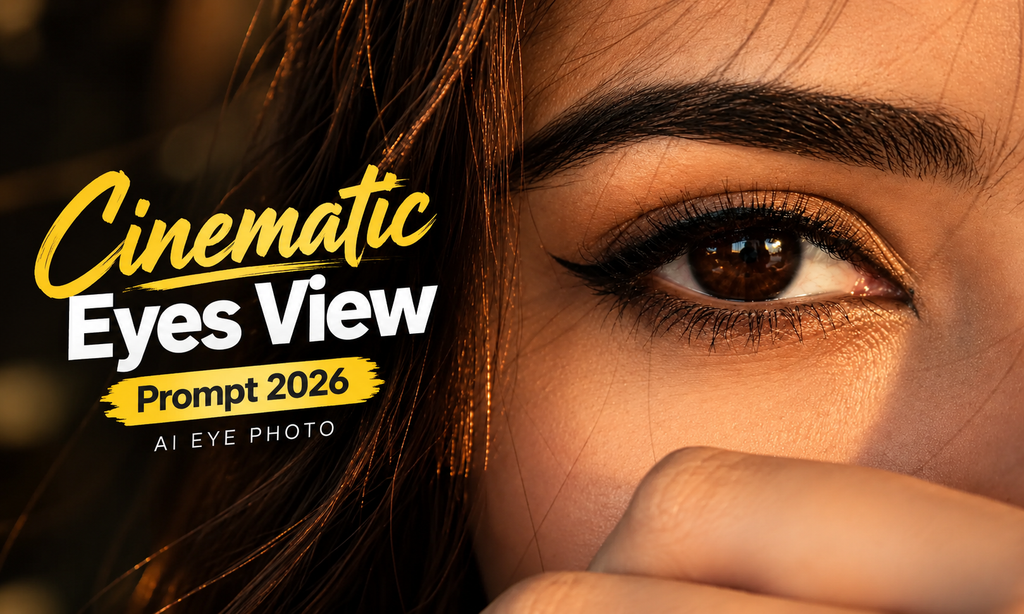
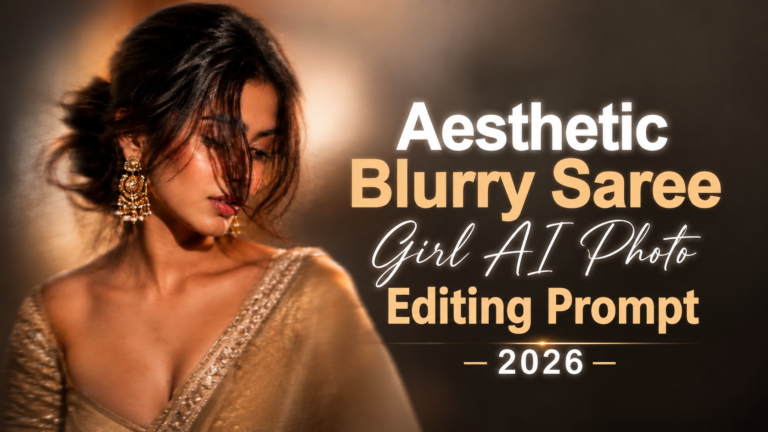
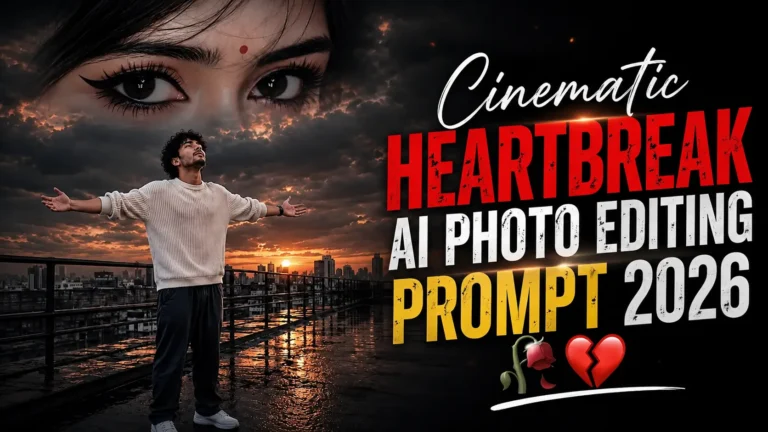
Want to create a stunning cinematic eye-view photo with AI? A Cinematic Eyes View Prompt can help you generate realistic close-up portraits with dramatic lighting, detailed eyes, natural skin texture, and a stylish photography look. Visit prompt seen for all prompt and capcut templates.
These prompts are useful for creating Instagram photos, profile pictures, AI portraits, and creative social media content. You can use them with tools such as ChatGPT, Gemini, and other AI image generators that support image references.
What Is a Cinematic Eyes View Prompt?
A Cinematic Eyes View Prompt is an AI image prompt designed to create close-up portraits where the eyes or part of the face become the main focus.
The prompt usually describes details such as eye shape, iris colour, eyelashes, skin texture, lighting, camera angle, hair, background, and photography style. When you provide a reference image, you can also ask the AI to preserve the person’s identity and natural facial features.
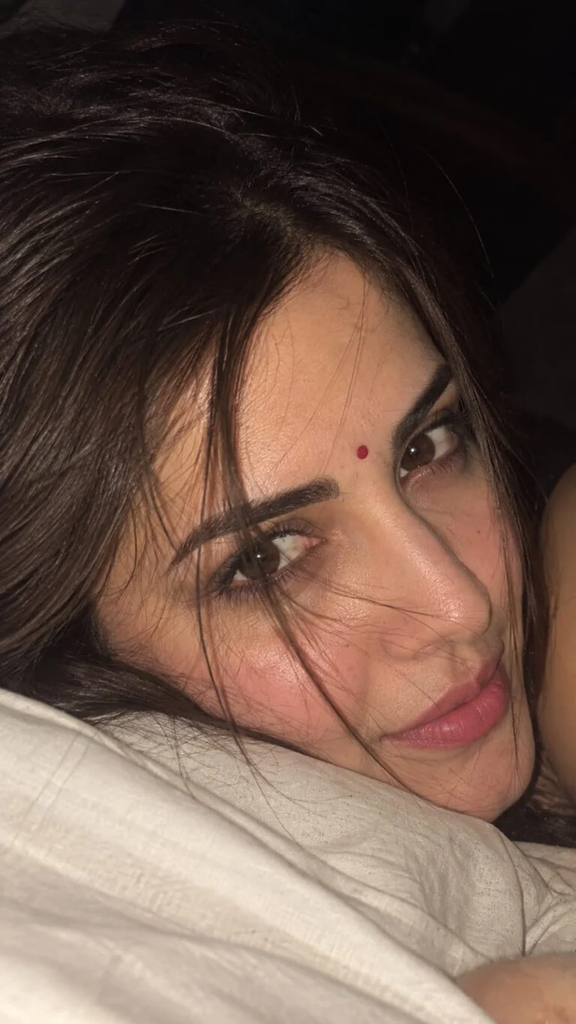
Absolutely. The image is essentially a very close-up, intimate smartphone/flash portrait, with the face lying sideways and loose hair strands across the face.
Exact-style AI Prompt
> Use the uploaded reference image as the ONLY identity reference. STRICT IDENTITY LOCK — preserve the person’s exact face, facial structure, eyes, eyebrows, nose, lips, skin tone, skin texture, proportions and natural imperfections. Do not beautify, reshape, smooth, or alter the face.
Create an ultra-realistic intimate close-up portrait of the same young woman, photographed from a slightly tilted/sideways angle while she is resting her face against a soft light-colored pillow or fabric. The composition should be extremely close, showing mainly her forehead, both eyes, eyebrows, nose, cheeks and lips, with part of the face extending naturally outside the frame.
She has deep brown expressive eyes, naturally thick eyebrows, subtle natural eyelashes, realistic skin pores and fine facial texture. Her expression is soft, quiet, slightly emotional and dreamy, looking directly toward the camera. Keep her natural facial asymmetry and realistic features.
Dark brown/black hair, naturally messy and slightly tousled, falling loosely around the forehead and cheeks. Several very fine individual hair strands naturally cross over the forehead, eyes, nose and cheek, creating an authentic candid look. Hair should have realistic individual strands and subtle shine.
Use direct smartphone camera flash photography, creating a warm, slightly harsh flash illumination on the face while the surrounding background falls into deep darkness. Natural warm brown skin tones, realistic highlights on the eyes and nose, subtle flash reflection/catchlights in both eyes.
The image should feel like an unposed late-night Instagram/Reels aesthetic portrait, intimate, raw and candid rather than professionally posed. Slight smartphone-camera imperfections, realistic exposure, subtle grain, natural shadows, high skin detail, no artificial beauty filter.
Composition: extreme close-up, face filling almost the entire frame, slightly rotated/diagonal framing, eyes positioned around the center, shallow depth of field, background almost completely dark and indistinct.
Lighting: single direct smartphone flash, warm natural skin illumination, soft falloff, deep shadows, realistic specular highlights, authentic low-light photography.
Camera: smartphone rear camera, close focusing distance, realistic smartphone optics, subtle computational photography, natural HDR, realistic dynamic range, fine photographic grain.
Style: ultra-photorealistic, candid Instagram aesthetic, intimate bedroom/night photography, raw natural beauty, realistic skin pores, realistic hair strands, cinematic but NOT overly polished, high detail, 4K, photorealistic.
Aspect ratio: 9:16 vertical.
IMPORTANT: No face modification, no makeup enhancement, no skin smoothing, no facial reconstruction, no exaggerated eyes, no artificial symmetry, no plastic skin, no beauty filter, no extra jewelry, no text, no watermark, no Instagram interface.
For the same composition as your screenshot, keep the face very close to the camera and slightly rotated, with the right eye around the upper-right area and left eye around the lower-left/center, while the loose hair strands remain visible across the face.
AI Image Prompt
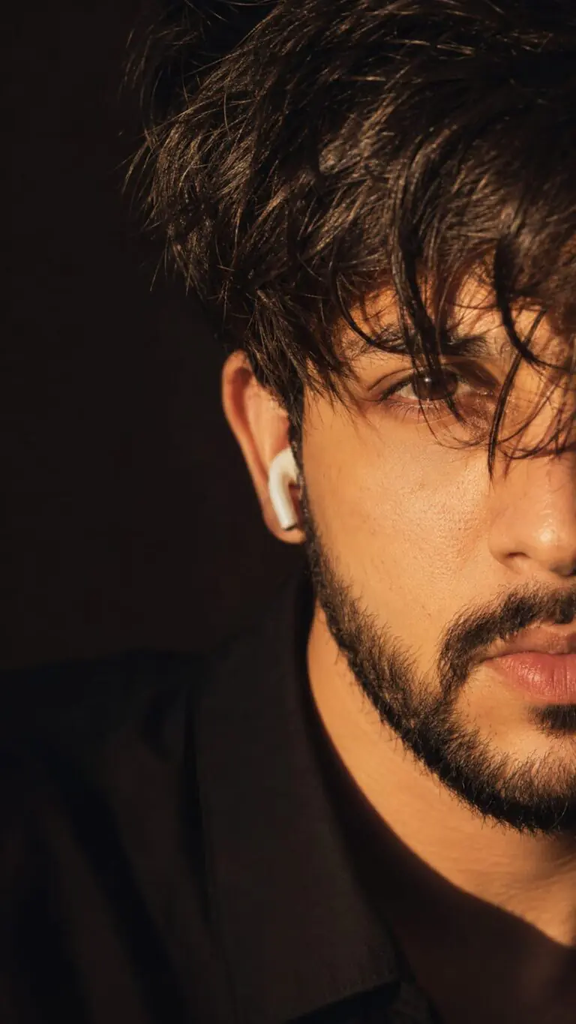
identity reference. Preserve the person’s face, facial structure, eye shape, skin tone, hairstyle (where applicable), beard, lips, nose, and overall identity 100% exactly. Create an ultra-realistic cinematic vertical close-up portrait (9:16). Show only the right half of the face, with the left half completely cropped out of the frame. Camera at eye level, extreme close-up from forehead to lips. Thick messy black hair with textured strands falling naturally across one eye. Sharp focus on the visible eye with realistic catchlight. Strong warm golden-hour sunlight hitting the face from the right side at a 45-degree angle, creating deep dramatic shadows and high contrast. Natural skin pores and realistic facial texture, trimmed beard and mustache, neutral confident expression. Wear a black shirt blending into a dark brown-black background. Add a white wireless earbud in the visible ear. Minimal background, shallow depth of field, DSLR photography, 85mm lens, f/1.8, Kodak Portra-inspired warm tones, cinematic color grading, soft highlights, rich shadows, ultra-photorealistic, 8K, editorial fashion portrait, highly detailed.
AI Image Prompt
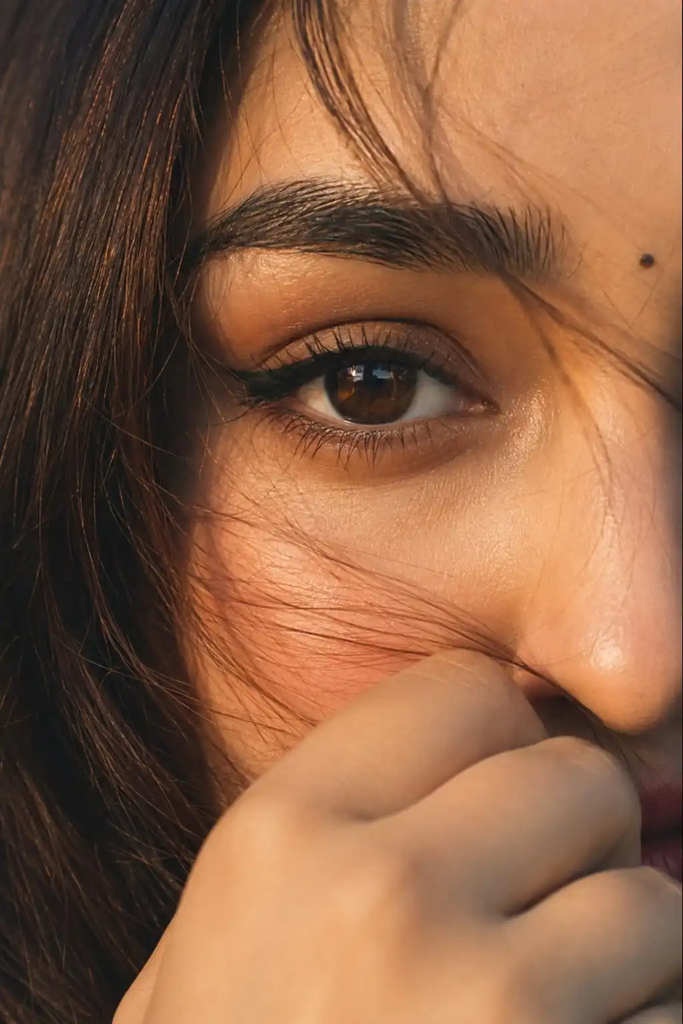
Ultra-realistic cinematic extreme close-up portrait of a young woman’s single eye filling most of the frame, captured in warm golden-hour sunlight. Focus on one deep brown eye with sharp reflections and natural catchlights, long delicate eyelashes, bold black winged eyeliner, smooth eyelid makeup with soft nude tones, thick naturally shaped dark eyebrow with visible hair texture and fine details. Skin appears soft and highly detailed with realistic pores, subtle blush on the cheek, natural warm skin tone illuminated by golden sunlight. A few loose strands of slightly reddish-brown hair gently fall across the face and eye, creating a dreamy mood. Part of her hand softly covers the lower face near the lips, adding mystery and emotion. Cinematic lighting with warm amber tones, shallow depth of field, ultra-detailed skin texture, soft shadows, natural facial details, photorealistic beauty portrait, DSLR quality, 85mm lens, f/1.4, ultra HD, 4K, highly realistic, artistic editorial photography style.
Negative prompt:
blurry eyes, extra eyes, distorted face, low quality, overexposed lighting, unrealistic skin, plastic skin texture, extra fingers, duplicate features, heavy makeup, cartoon style, deformed anatomy, low resolution, noisy image, unnatural colors.
How to Create a Cinematic Eyes Photo With AI
Creating a cinematic eyes photo with AI is simple. Upload a clear reference photo, paste your preferred Cinematic Eyes View Prompt, and generate the image.
Upload a clear photo showing the face or eyes.
Paste the prompt into your AI image generator.
Choose 9:16 for Instagram Reels or Stories.
Generate the image and check the eyes and facial details.
Regenerate or edit the prompt if the face or eyes look different.
Common Problems With AI Eye Prompts
AI-generated close-ups can sometimes produce unwanted changes. Common issues include:
Different eye colour
Uneven pupils
Extra eyelashes
Distorted facial features
Artificial skin
Excessive makeup
Strange hair strands
Incorrect hands or fingers
Overexposed highlights
Excessive sharpening
If you see these problems, add a negative prompt and make the identity instructions more specific. For example, instead of only saying “realistic eye,” specify the exact iris colour, natural catchlight, realistic pupil, eyelid texture, eyelashes, and skin pores.
Conclusion
A good Cinematic Eyes View Prompt combines identity instructions, eye details, lighting, camera composition, skin texture, and a clear photography style. You can use the prompts above as they are or adjust individual elements to create different cinematic looks.
For the most natural results, start with a clear reference photo and avoid adding too many conflicting instructions. Try different lighting and camera angles until you find a composition that matches your preferred style.