Aesthetic Blurry Saree Girl AI Photo Editing Prompt 2026
ByRutik Soni
If you want to create a soft, aesthetic, and dreamy saree photo, AI photo editing can give your picture a beautiful cinematic look in just a few steps. The Aesthetic Blurry Saree Girl AI Photo Editing Prompt 2026 is designed to create a stylish portrait with a natural saree look, soft background blur, beautiful lighting, and a premium photography feel.
You can use this prompt with AI image editing tools such as ChatGPT, Gemini, Leonardo AI, Midjourney, Flux, or other compatible AI editors. Simply upload your photo, add the prompt, and let the AI transform your image while keeping your main appearance natural.
If you’re looking for a stylish and dreamy saree photo edit, this PromptSeen AI photo editing prompt can help you create an aesthetically blurry look with soft bokeh, cinematic lighting, and realistic details.
What Is an Aesthetic Blurry Saree AI Photo Editing Prompt?
An AI photo editing prompt is a written instruction that tells an AI tool how you want your image to look.
The Aesthetic Blurry Saree Girl prompt focuses on creating:
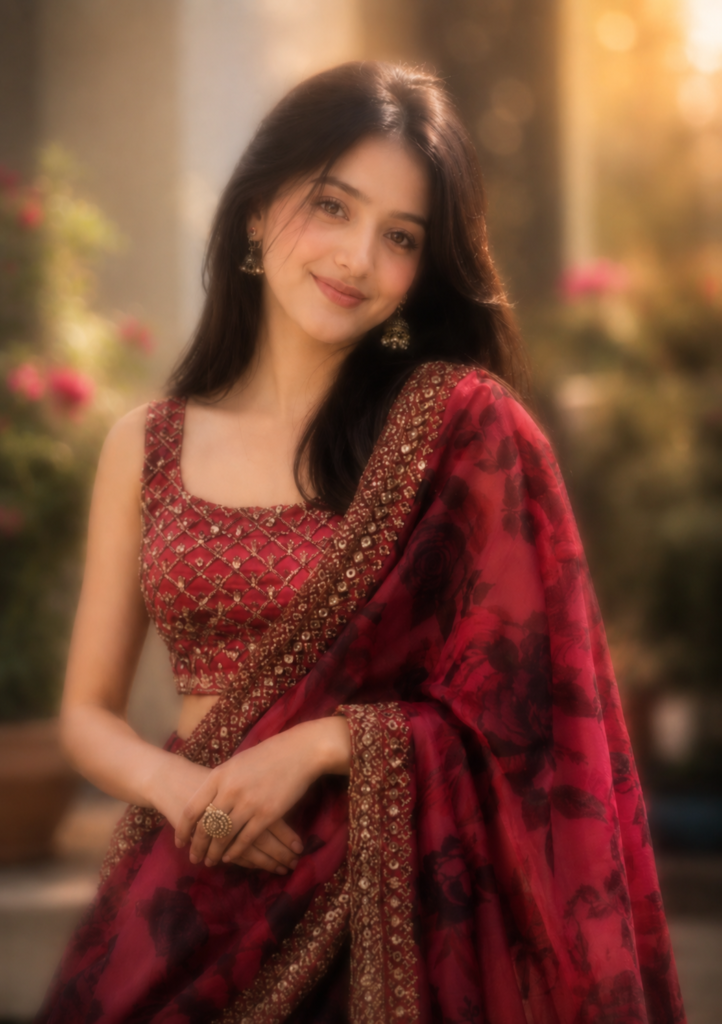
Create an ultra-realistic aesthetic portrait of the girl using the uploaded photo as the main reference. Keep her original face, identity, facial features, skin texture, hairstyle, body proportions, and natural appearance unchanged. Dress her in an elegant and beautiful saree with realistic fabric texture and graceful styling. Add a soft dreamy background with natural depth of field, creamy bokeh, subtle blur, warm ambient light, and cinematic atmosphere. Use soft natural lighting, realistic shadows, delicate highlights, DSLR photography, shallow depth of field, sharp facial details, realistic colors, and premium 8K HDR quality. Make the final image look elegant, feminine, natural, photorealistic, and professionally photographed.
AI Image Prompt
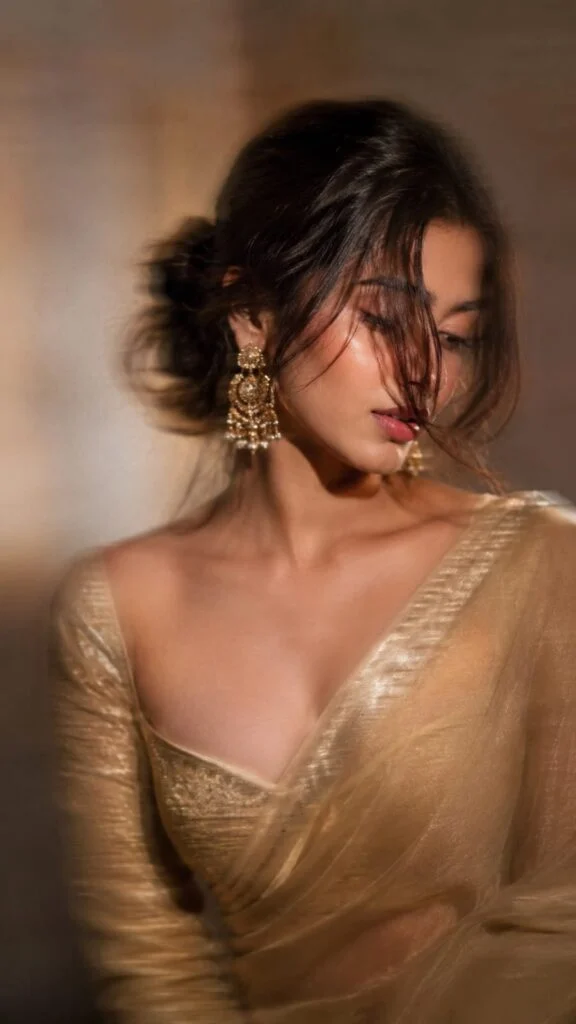
Intentional artistic motion-blur portrait, shot on a smartphone or long-exposure camera. Not so Extreme close-up of a woman with a loose braided low bun and a long face-framing strand covering half her face.she’s wearing a golden zari work saree with matching full sleeve blouse with sweetheart neck.
Looking down and to the side, one eye mostly hidden, lips slightly parted. Large statement gold earrings, bare shoulders, smooth glowing skin, soft peach blush, subtle highlighter, delicate makeup, defined lashes, matte dusty-rose lips with darker liner.Aspect ratio 9:16.
AI Image Prompt
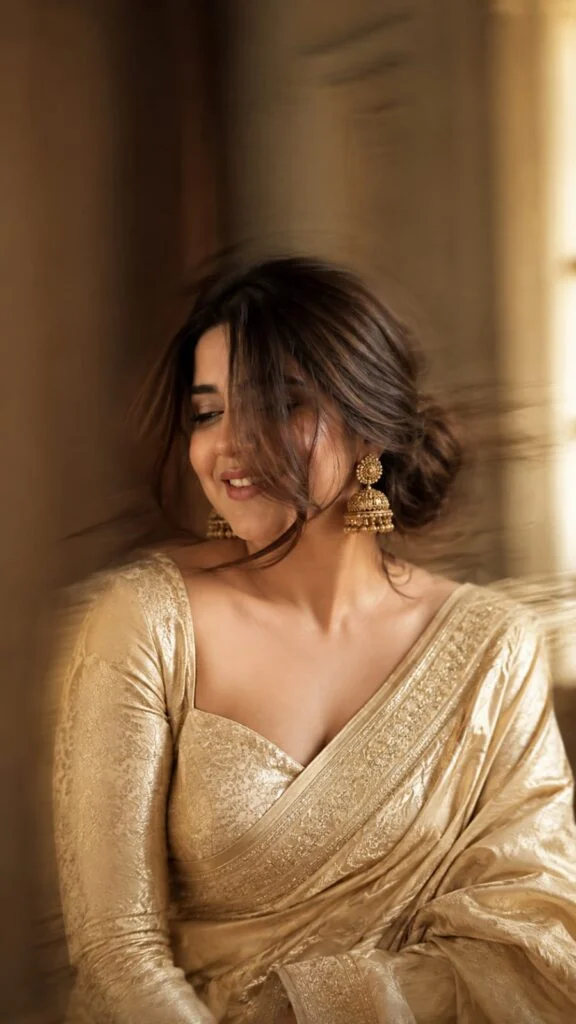
Use the uploaded image as the only facial reference. Preserve the face with 99.9% identity accuracy (facial features, skin tone, smile, hairline, expression). Create an ultra-realistic Vogue India editorial portrait with subtle cinematic motion blur affecting only the hair, saree, and background. Dress her in a champagne-gold Banarasi silk saree with a full-sleeve sweetheart blouse, antique gold jhumkas, and a loose braided low bun with one face-framing strand. Golden-hour side lighting, luxury interior bokeh, Sony A7R V, 85mm f/1.4, HDR RAW, 8K, hyper-realistic, 9:16, face perfectly sharp.
AI Image Prompt
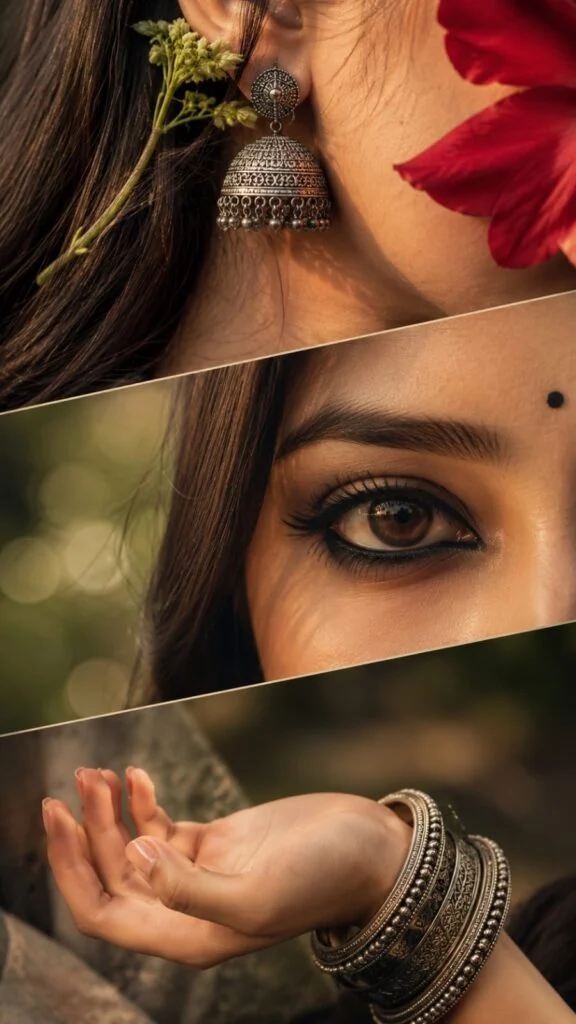
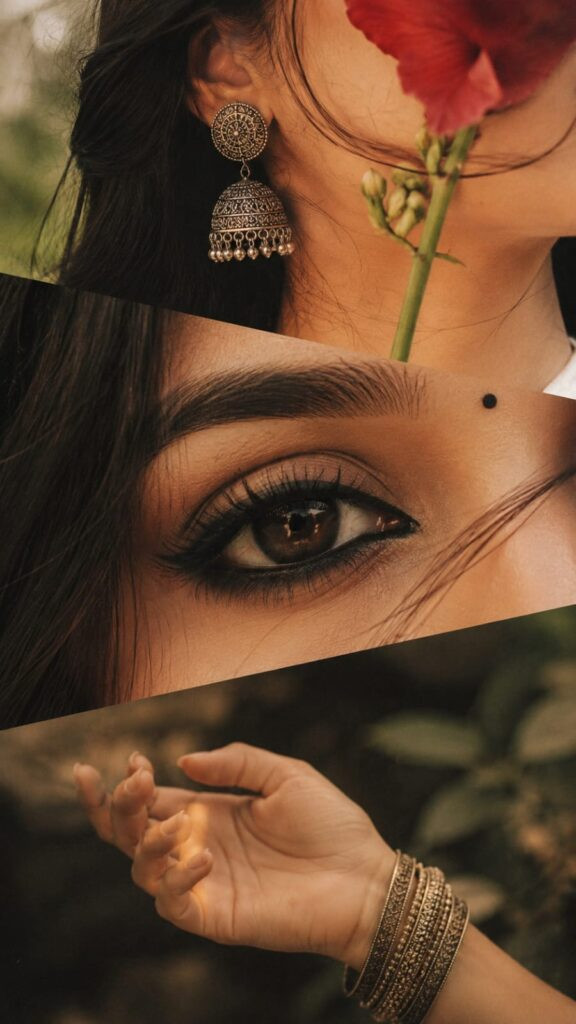
Exclusive cinematic three-panel diagonal collage of a young South Asian woman. Top panel: extreme close-up of her ear, neck, and long black hair with a large antique oxidized silver jhumka, fresh green flower stem, and a red flower petal partially covering her face. Middle panel: ultra-macro close-up of one expressive dark-brown eye with bold kajal, smoky eyeliner, long eyelashes, neat eyebrow, and a small black bindi against soft green bokeh. Bottom panel: elegant feminine hand with palm facing upward, adorned with engraved oxidized silver bangles. Seamless diagonal layered composition, traditional Indian aesthetic, warm vintage color grading, muted earthy tones, soft natural golden light, shallow depth of field, dreamy atmosphere, subtle film grain, editorial fashion style, ultra-photorealistic, highly detailed, HDR, 8K, vertical 9:16, no text, no watermark.
AI Image Prompt
Exclusive luxury cinematic three-panel diagonal editorial collage of a young South Asian woman, designed with seamless layered diagonal framing and museum-quality fashion photography.
Top panel: an extreme macro close-up of her ear, neck, and silky long black hair illuminated by warm golden sunlight. She wears an oversized handcrafted antique oxidized silver jhumka with intricate engraved detailing, decorated with a fresh green flower stem tucked naturally behind her ear. A vibrant deep-red flower petal softly drapes across part of her face, creating elegant mystery while allowing natural skin texture to remain visible. Individual hair strands, realistic pores, delicate peach fuzz, and soft rim lighting add exceptional realism.
Middle panel: an ultra-macro close-up of one captivating dark-brown eye with crystal-clear iris detail, rich glossy reflections, bold kajal, softly blended smoky eyeliner, naturally curled long eyelashes, perfectly groomed eyebrow hairs, and a tiny traditional black bindi positioned above the eyebrow line. Creamy emerald-green bokeh background with dreamy light circles, cinematic catchlights, shallow depth of field, and flawless skin texture create a luxurious editorial beauty look.
Bottom panel: an elegant feminine hand resting gracefully with the palm facing upward, fingers naturally relaxed, adorned with beautifully engraved antique oxidized silver bangles featuring intricate Indian craftsmanship. Soft natural highlights reveal realistic skin texture, subtle veins, delicate fingernails, and authentic jewelry reflections for a timeless traditional aesthetic.
Perfectly aligned diagonal split composition with smooth transitions between panels, premium Indian fashion editorial styling, luxurious ethnic elegance, warm vintage cinematic color grading, muted earthy tones, soft golden-hour natural lighting, volumetric glow, dreamy atmosphere, subtle Kodak Portra film look, fine cinematic film grain, ultra-photorealistic, hyper-realistic skin textures, HDR, extreme detail, razor-sharp focus on key subjects, realistic optical depth, professional medium-format photography, Vogue-style editorial, award-winning composition, 8K masterpiece, vertical 9:16, no text, no watermark, no logo.
Why Use This AI Saree Photo Editing Prompt?
This prompt is useful if you want to turn an ordinary saree picture into a more aesthetic and professional-looking portrait.
The prompt tells the AI to focus on several important elements:
Natural Face
The prompt asks the AI to preserve the girl’s original face and identity. This helps reduce unnecessary changes to facial features.
Beautiful Saree Look
You can create an elegant saree appearance with realistic fabric details, folds, and textures.
Blurry Background
The background blur creates a photography-style effect that keeps attention on the subject.
Soft Lighting
Warm and soft lighting can make the image look more attractive without making it appear artificial.
DSLR Photography
Adding DSLR-style photography instructions helps create a professional portrait appearance with depth and sharp details.
How to Use the Aesthetic Blurry Saree Prompt
Using the prompt is simple, even if you are new to AI photo editing.
Select a clear photo of the girl. A front-facing or slightly angled portrait usually works well.
Use an AI editor that allows you to upload an image and provide editing instructions.
Upload the original saree photo or another clear portrait that you want to edit.
Copy the complete Aesthetic Blurry Saree Girl AI Photo Editing Prompt 2026 from above.
Paste the prompt into the AI tool and generate the edited image.
Look at the face, saree, hands, hair, and background. If something looks unnatural, generate another version with a more specific instruction.
Tips for Better Aesthetic Saree Photos
Follow these simple tips to get better results:
Use a high-resolution original photo.
Keep the face clearly visible.
Avoid photos with extreme filters.
Use natural-looking lighting.
Ask the AI to preserve your identity.
Keep the background blur soft rather than excessive.
Mention the exact saree colour if you have a preferred colour.
Add a specific setting such as a garden, room, street, or wedding venue.
Generate multiple versions and choose the most realistic result.
Common Problems With AI Saree Editing
Sometimes AI-generated images may not look perfect. Here are some common problems.
The final image looks overly edited or fake.
Face or identity changes
Unrealistic skin texture
Blurry or distorted facial details
Incorrect hands or fingers
Saree fabric looks unnatural.
Saree folds and draping look unrealistic.
Jewellery appears distorted.
Background blur becomes too strong.
Lighting looks artificial.
Skin tone changes unexpectedly.
Hair becomes distorted
Image quality becomes low after editing.
Make Your Prompt More Creative
You don’t have to use the same prompt every time. You can customise it according to your desired style.
For example, you can add:
Soft morning sunlight
Golden-hour lighting
Rainy weather
Flower garden
Traditional jewellery
Minimal makeup
Cinematic portrait
Vintage photography
Luxury fashion photography
Festive atmosphere
This allows you to create different versions from the same basic prompt.
Final Thoughts
The Aesthetic Blurry Saree Girl AI Photo Editing Prompt 2026 is a simple way to create a beautiful and professional-looking saree portrait. By combining soft background blur, realistic saree details, natural skin texture, cinematic lighting, and DSLR-style photography, you can give an ordinary image a stylish aesthetic appearance.
For the best results, always start with a clear, high-quality photo and make small changes to the prompt until you get the look you want.