Cinematic Viral Toxic Movie Poster Editing Prompts 2026
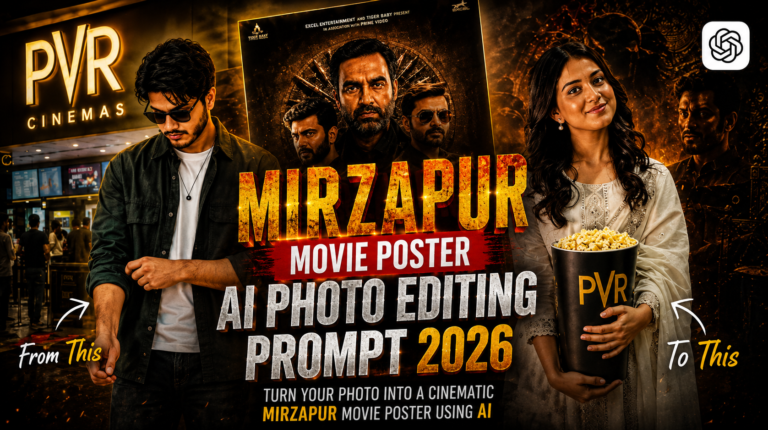
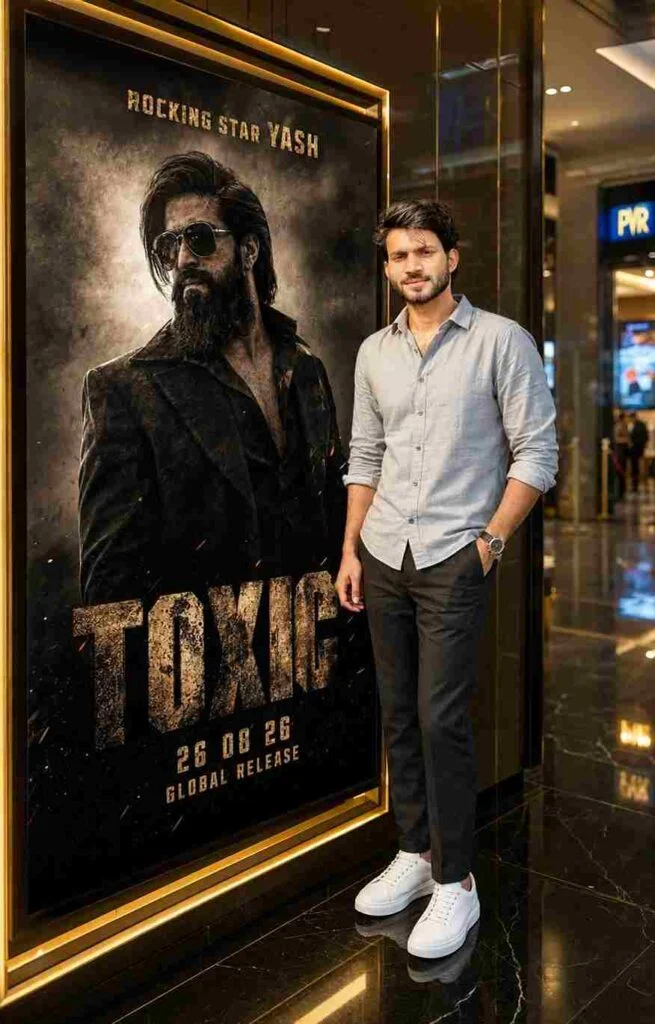
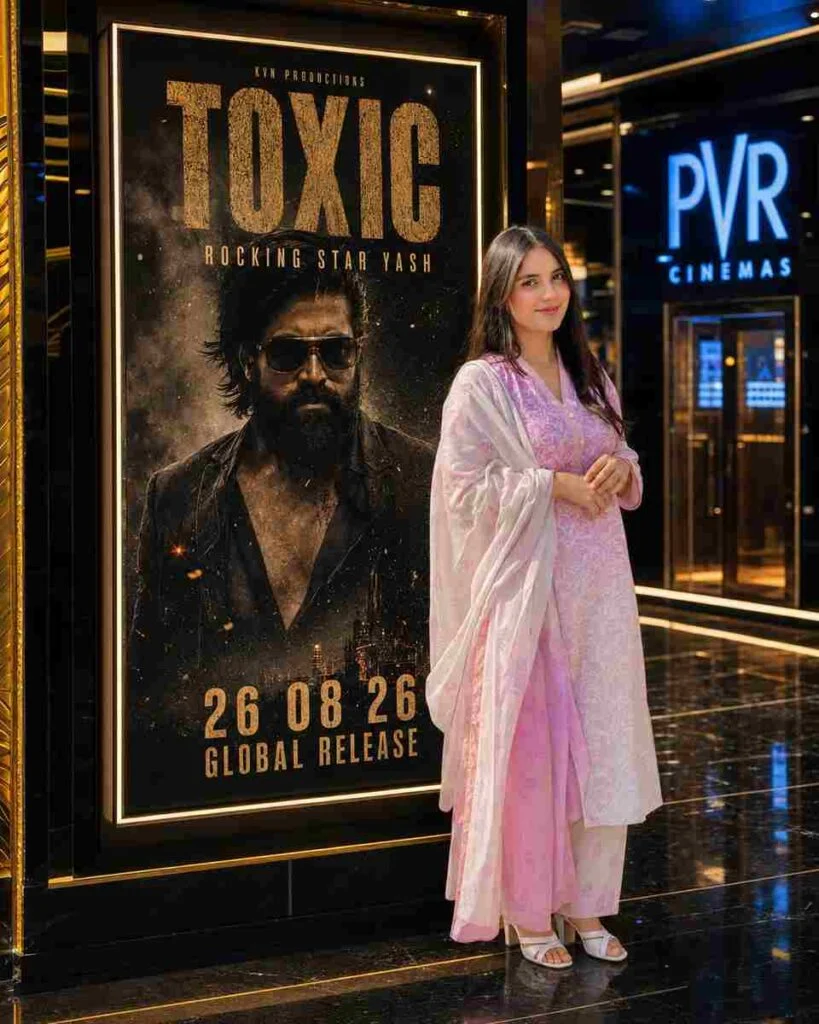
Want to turn an ordinary photo into a dark, powerful, and cinematic movie-poster-style image? The latest Toxic Movie Poster Editing Prompts 2026 are perfect for creating dramatic visuals with intense expressions, moody backgrounds, cinematic lighting, bold typography, and a high-budget film look.
Imagine your simple portrait transformed into a poster that looks like it belongs to a dark action thriller or an intense romantic drama. With the right AI editing prompt, you can add smoky environments, dramatic shadows, glowing highlights, rich colors, film grain, and professional poster composition without needing advanced Photoshop skills.
What Are Toxic Movie Poster Editing Prompts?
Toxic movie poster prompts are detailed instructions that tell an AI tool how to transform a normal photograph into a cinematic movie poster. These prompts can control the subject’s pose, clothing, lighting, background, camera angle, atmosphere, colors, typography, and overall mood.
The main goal is to make the final image look dramatic, professional, and attention-grabbing rather than like a simple AI-generated photo.
For example, instead of asking an AI tool to simply “make a movie poster,” you can describe the scene with details such as:
The more clearly you describe the desired result, the easier it is for the AI to understand your creative direction. Also try; Cinematic Candlelight Girl AI Photo Editing Prompt 2026
Why Toxic-Style Posters Are Trending
Cinematic posters are popular because they instantly make ordinary photographs look more professional and dramatic. A strong combination of dark colors, intense lighting, realistic details, and movie-style composition can make an image stand out on social media.
Creators can also use these edits for Instagram posts, YouTube thumbnails, Facebook posts, profile pictures, short-video covers, and creative portfolio projects.
The key is not simply adding dark colors. A convincing cinematic poster needs a balance between lighting, composition, atmosphere, facial expression, and storytelling.
Best Viral Toxic Movie Poster AI Prompt 2026
How to Create a Toxic Movie Poster
Creating this style of poster is simple, even if you are a beginner. Follow these steps:
Choose a High-Quality Photo
Start with a clear portrait where the face is visible. A high-resolution image usually gives the AI more facial details to work with.
Upload Your Photo
Open your preferred AI photo-editing or image-generation tool and upload your portrait.
Copy the Prompt
Choose one of the prompts from this guide and paste it into the AI tool. You can change the colors, mood, clothing, background, or lighting according to your idea.
Keep Your Face Realistic
Add instructions such as “preserve facial identity,” “keep natural facial features,” and “maintain realistic skin texture.” These details can help reduce unwanted changes to your face.
Add Cinematic Effects
For a stronger movie-poster appearance, include effects such as:
Add Poster Typography
If your AI tool handles text well, add a short movie title, tagline, or release year. For better results, you can also add the typography later using Canva, Photoshop, or another editing application.
Best AI Tools for Toxic Poster Editing
You can experiment with different AI platforms because each tool may produce a slightly different visual style.
The best tool depends on the type of image you want to create, so try the same prompt in different platforms and compare the results.
Tips for Better Toxic Poster Results
If your first result does not look perfect, don’t worry. AI image editing often needs a few prompt adjustments.
Common Problems and Easy Solution
| Problem | Solution |
|---|---|
| Face looks different | Ask AI to preserve facial identity |
| The image looks too artificial | Add realistic skin texture and natural facial details |
| The background looks empty | Add smoke, haze, particles, or cinematic scenery |
| Colors look too bright | Request darker cinematic color grading |
| The poster doesn’t look dramatic | Add stronger shadows and rim lighting |
| The text looks incorrect | Add typography later in a design editor |
| The image lacks detail | Request ultra-realistic 8K HDR quality |
Final Words
The Cinematic Viral Toxic Movie Poster Editing Prompts 2026 are a simple way to transform ordinary portraits into dramatic, professional-looking movie posters. You don’t need advanced editing skills to get started. The most important thing is to use a clear photo and give the AI specific instructions about lighting, mood, background, composition, and realism.
Try different versions of the prompts and experiment with red-and-black themes, dark thriller effects, smoky backgrounds, dramatic lighting, and cinematic color grading. With a few small changes, you can create a unique poster that looks bold, mysterious, and ready for social media.
For even better results, don’t depend on one prompt. Generate several versions, choose your favorite composition, and then add your final title, logo, and typography during the finishing stage.