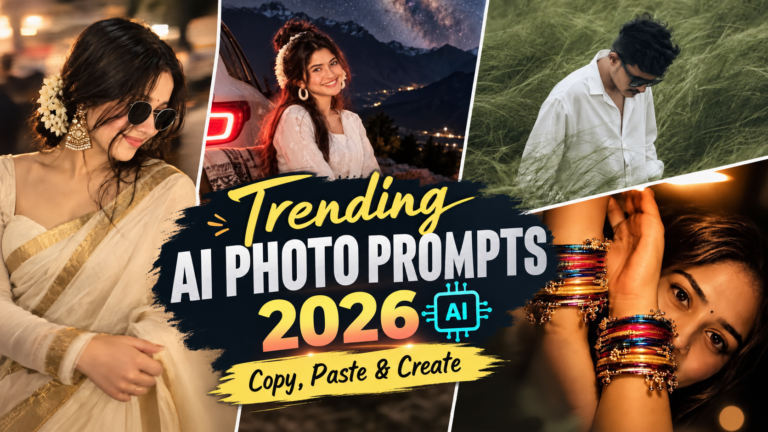
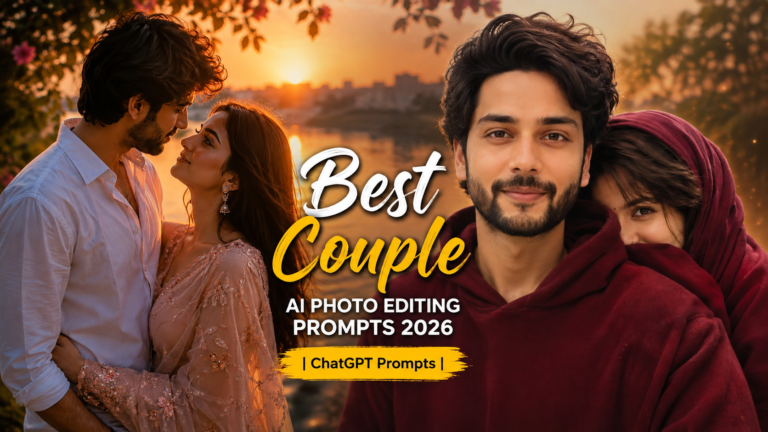
Aesthetic Sunlight AI Photo Editing Prompts 2026
Want to make your ordinary photos look bright, dreamy, warm, and Instagram-worthy without spending hours editing? With AI photo editing, you can now add realistic sunlight, glowing highlights, soft shadows, golden-hour effects, and cinematic lighting to almost any picture with just a simple prompt.
In 2026, Aesthetic Sunlight AI Photo Editing Prompts are becoming a popular way to give portraits, outdoor photos, couple pictures, travel shots, and social media images a stunning natural glow. The best part is that you don’t need advanced editing skills.
So, if you’re looking for viral-looking sunlight photo edits, dreamy Instagram aesthetics, or realistic cinematic lighting, you’ve come to the right place. Below, you’ll find ready-to-use AI prompts that you can copy, paste, and try with your favourite photo.
What Are Aesthetic Sunlight AI Photo Editing Prompts?
Aesthetic sunlight prompts are detailed instructions that tell an AI image editor how you want sunlight, lighting, shadows, colours, and atmosphere to appear in your photo.
Instead of manually adjusting brightness, contrast, highlights, warmth, and shadows, you can describe the look you want. The AI then uses your instructions to create a more polished and visually appealing result.
Popular sunlight effects include:
Why Sunlight Edits Are Trending in 2026
Natural-looking AI edits continue to be popular because they can give photos a professional appearance without making them look overly edited.
Sunlight is especially effective because it adds warmth and depth to an image. A simple portrait can become more cinematic when soft sunlight falls across the face, while outdoor photographs can look more vibrant with realistic golden-hour illumination.
You can also try; Aesthetic Blurry Saree Girl AI Photo Editing Prompt 2026
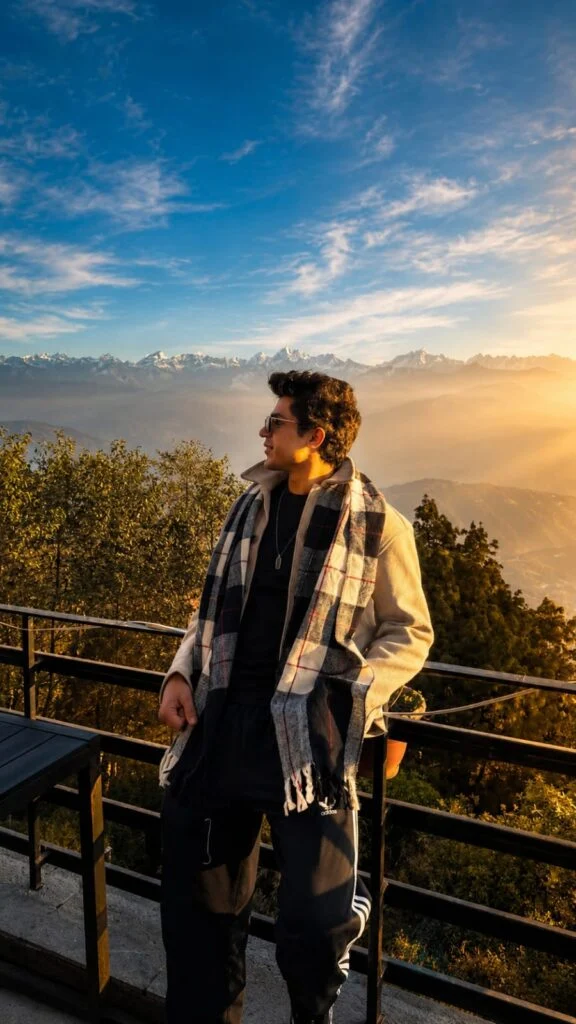
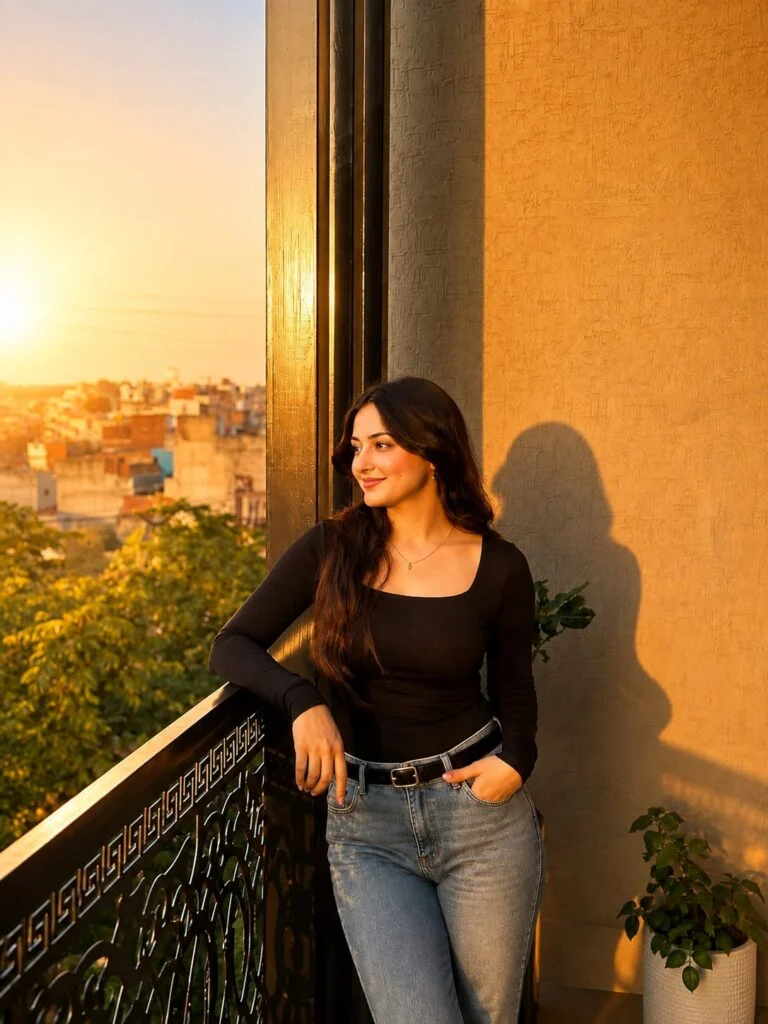
Best Aesthetic Sunlight AI Photo Editing Prompts
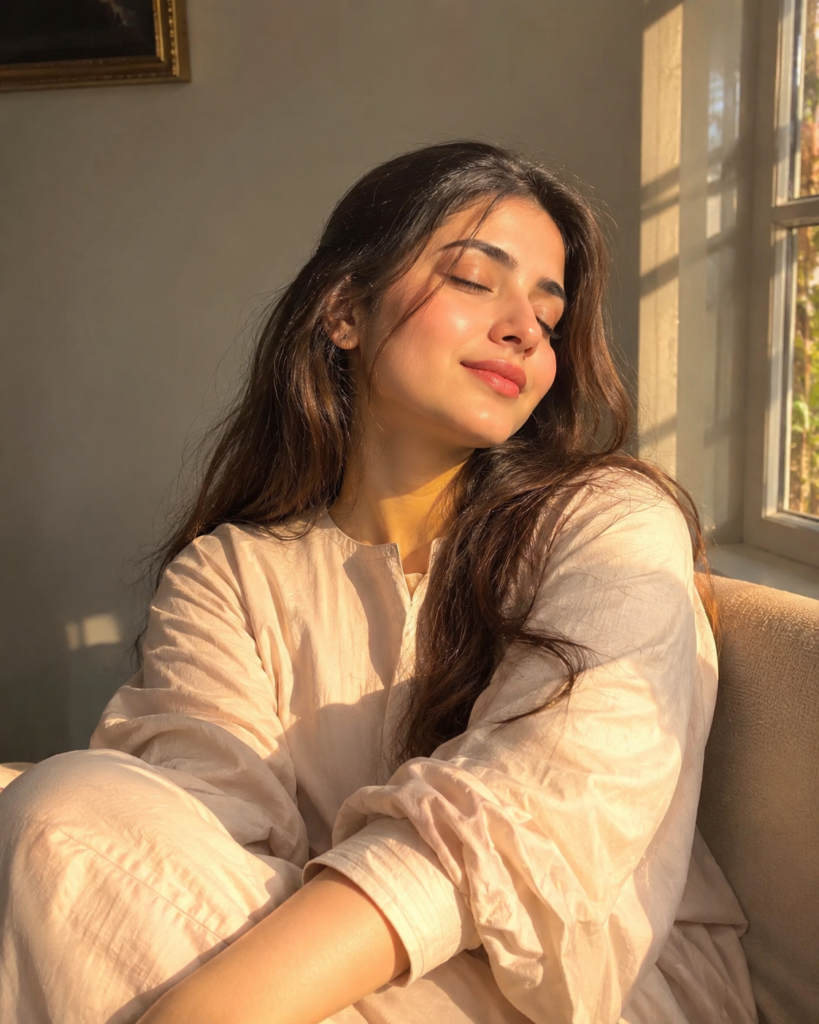
How to Get Better Results From AI Sunlight Prompts
A good prompt should clearly explain what should change and what should stay unchanged.
If you’re editing a portrait, mention that the AI should preserve the person’s identity and facial features. This helps prevent unwanted changes to the face.
You can also specify the direction of sunlight. For example, try phrases such as:
Adding these details can make the final image more controlled and realistic.
Tips for a Realistic Sunlight Edit
Keep Skin Tones Natural
Avoid asking for extremely bright or orange skin. Use phrases like ‘natural warm skin tones’ and ‘realistic highlights’.
Don’t Overuse Lens Flare
A small amount of lens flare can create a cinematic effect, but excessive flare may make the image look artificial.
Mention Original Details
If you want to preserve the photo, include instructions such as:
Keep the original face, identity, clothing, pose, background, and composition unchanged.
Use Specific Lighting
Instead of simply saying “make it sunny,” describe the lighting direction, intensity, color, and atmosphere.
Final Thoughts
Aesthetic sunlight editing is an easy way to give ordinary photos a warm, dreamy, and cinematic appearance. From golden-hour portraits and soft window light to sunset backlighting and sun rays through trees, the right prompt can dramatically improve the mood of an image while keeping it natural.
For the best results in 2026, focus on realistic lighting, natural skin tones, soft shadows, subtle highlights, and detailed instructions. You can also combine different sunlight styles to create a unique look that matches your photo and personal aesthetic.